3D Printing in R Block
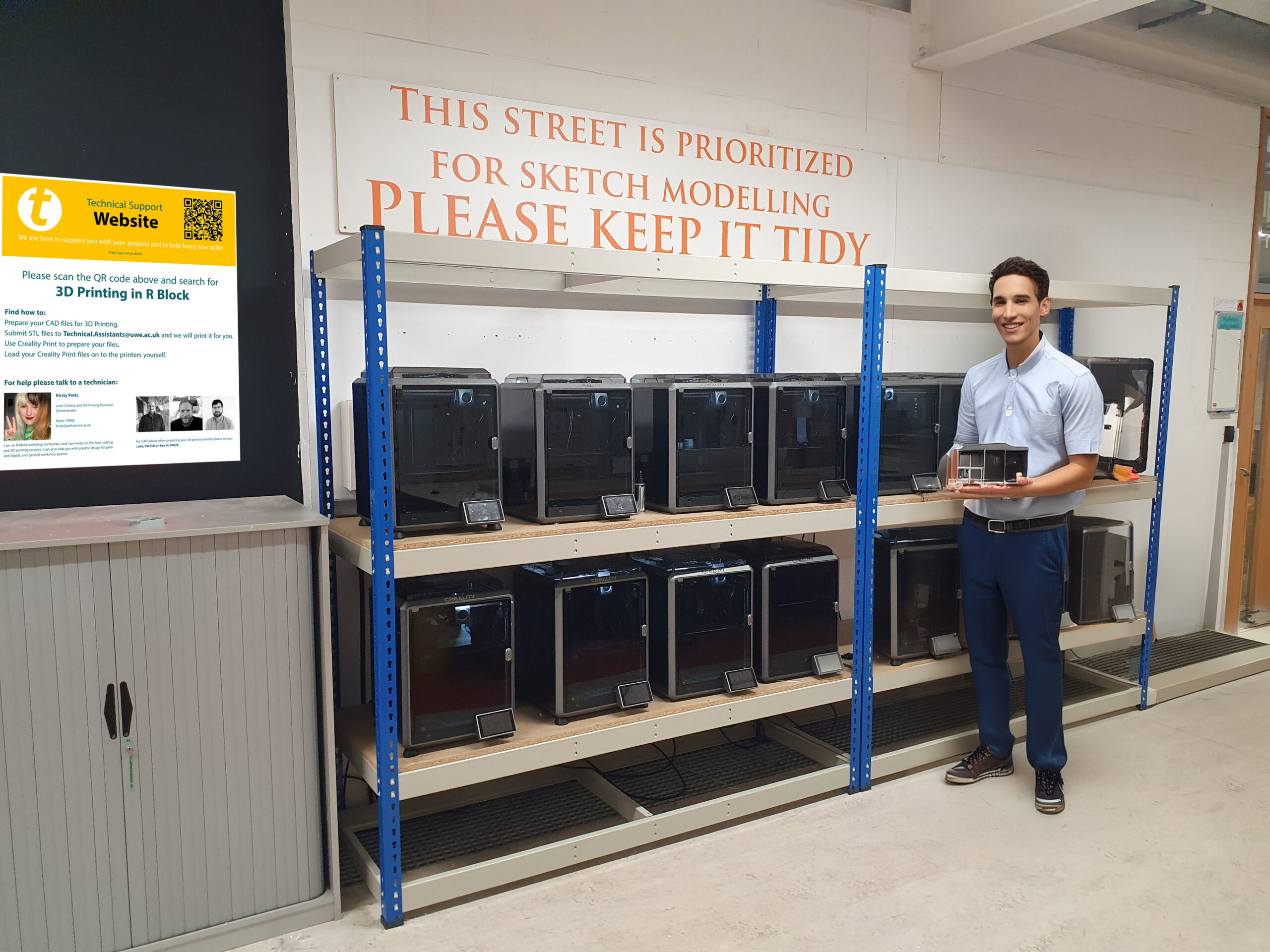
3D Printing in R Block is available to all CATE students, located outside the workshops on level 1.
Work can be submitted to technical.assistants@uwe.ac.uk and we can prepare and print work for you.
Alternatively you can print your work yourself by downloading Creality Print.
If you wish to use the 3D printers please follow the video guides below. Please also take note of the instructional videos about preparing your 3D CAD files for 3D printing.

Tutorials


3D Printing in Z Block
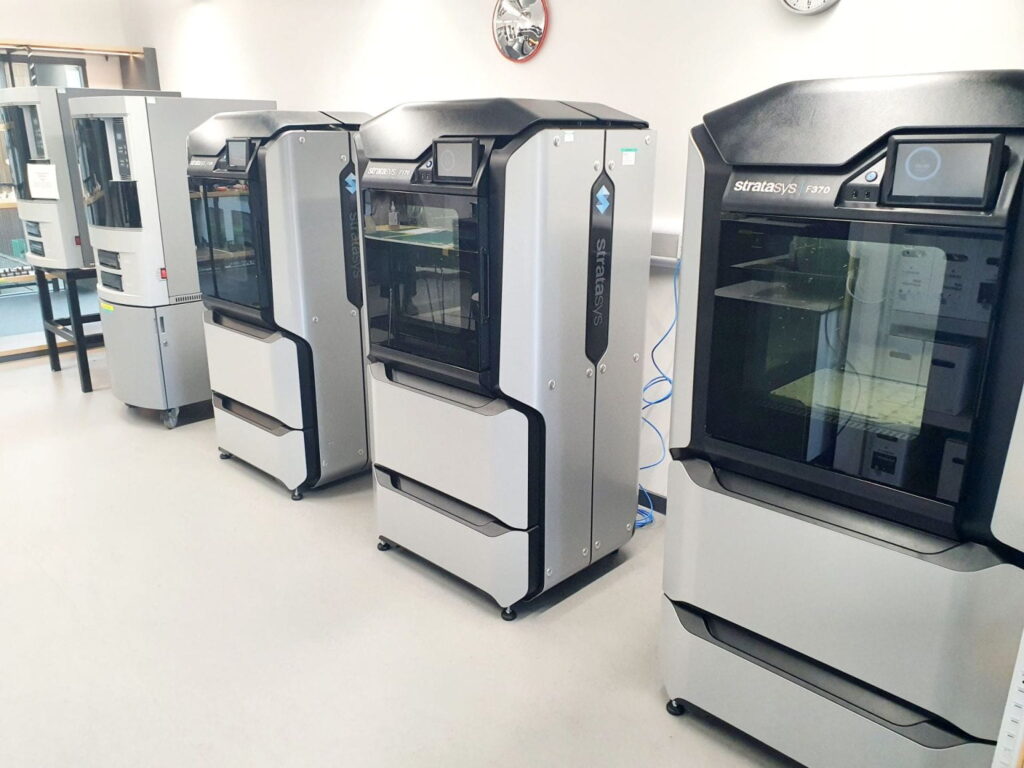
Support Technicians

I am one of the R-Block workshop technicians, and I primarily run the laser cutting and 3D printing services. I can also help you with graphic design for print and digital, and general workshop queries

My expertise is focused towards Product / Industrial Design including supporting the Adobe Creative Suite, SolidWorks, Rhino, Keyshot, etc. I can also support the preparation of files for 3D printing in R Block – Frenchay Campus.

My areas of expertise are AutoCAD, Revit, Rhino, VR, Twinmotion, Solidworks, Sketchup, Navisworks, Photoshop, Illustrator, In Design, Keyshot, 3D Printing.
Student Resources


