AutoCAD Exercises

The introductory exercises below can be used to test your understanding of how to use the essential skills in AutoCAD if you are new to the software.
Follow the video tutorials, which guide you through the exercises so you can gain confidence in using AutoCAD.
Flemish Bond Exercise
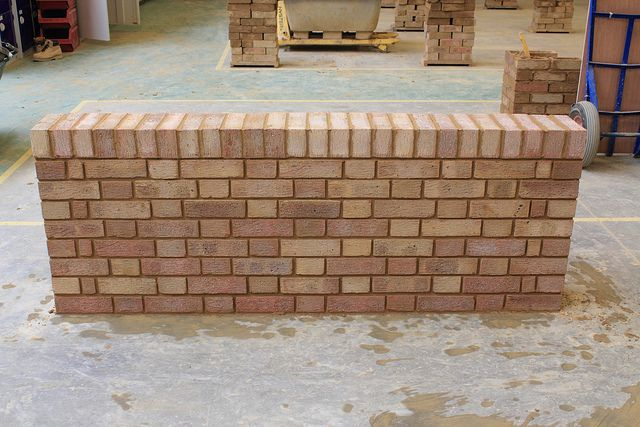
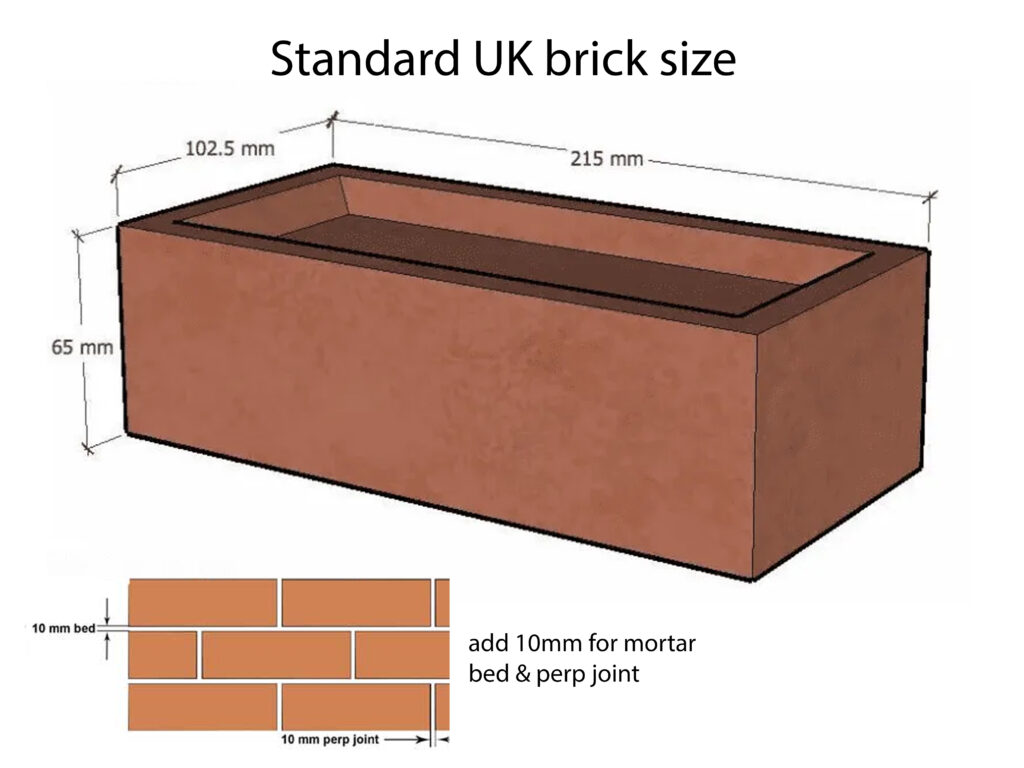
Axonometric steps exercise

Example Floor Plans to Practice


Hotel Room Exercise Tutorial Videos
Support Technicians

Justin Robbins
BIM / CAD & Immersive Technologies Technical Instructor
Room 2R026
justin.robbins@uwe.ac.uk
My expertise is Building Information Management (BIM). My main areas of support are: Autodesk Revit, AutoCAD, 3D Studio Max, Infraworks, After Effects, Photoshop, Virtual Reality hardware, Pointcloud/Laserscans, CAVE(Cave Automatic Virtual Environment)

My expertise is focused towards Computational Architectural Technology / BIM. My main areas of support are: Parametric Design, Revit, Grasshopper, Rhino, AutoCAD, Twinmotion, Enscape, Arduino, Soildworks, 3DPrinting

My areas of expertise are AutoCAD, Revit, Rhino, VR, Twinmotion, Solidworks, Sketchup, Navisworks, Photoshop, Illustrator, In Design, Keyshot, 3D Printing.
Student Resources


