R Block Media Studio

The R Block Media Studio is available to all CATE students.
You can book the studio here.
Once you have booked the studio a key can be collected from the Q Block Project Room.
Please follow the tutorials below to understand how to use the media studio.
Please note: when using the studio you will firstly need to have had a studio induction session with a technician. Also please leave the studio in the same condition you found it, do not leave a mess for the next student to find.
For further information please contact john2.griffiths@uwe.ac.uk
Useful Tutorials

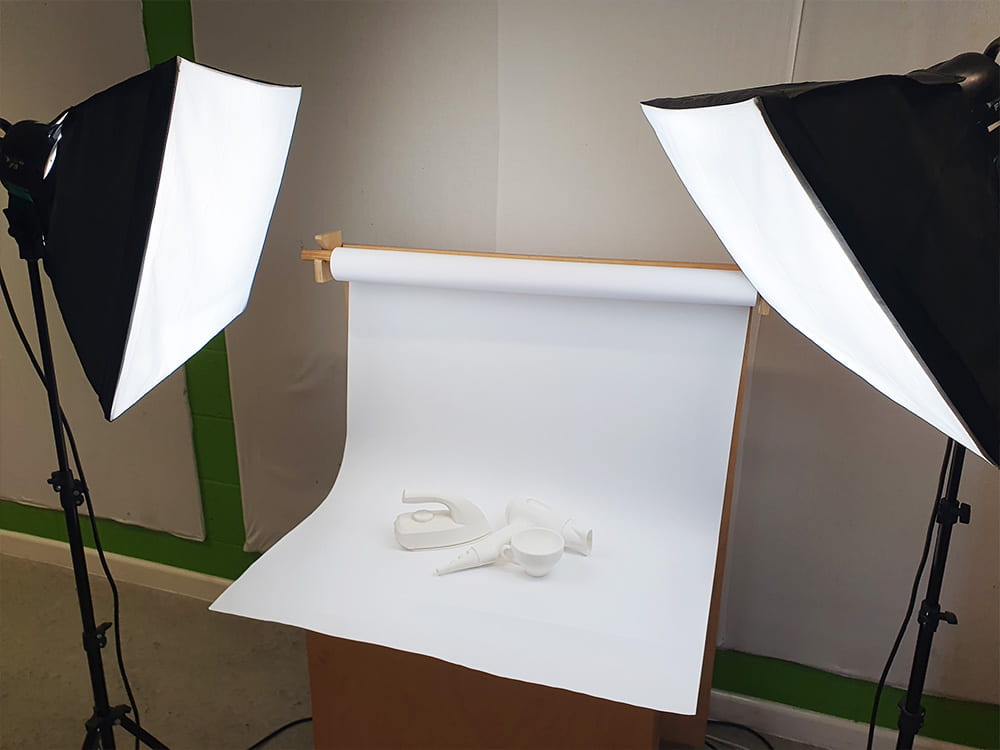


Gallery

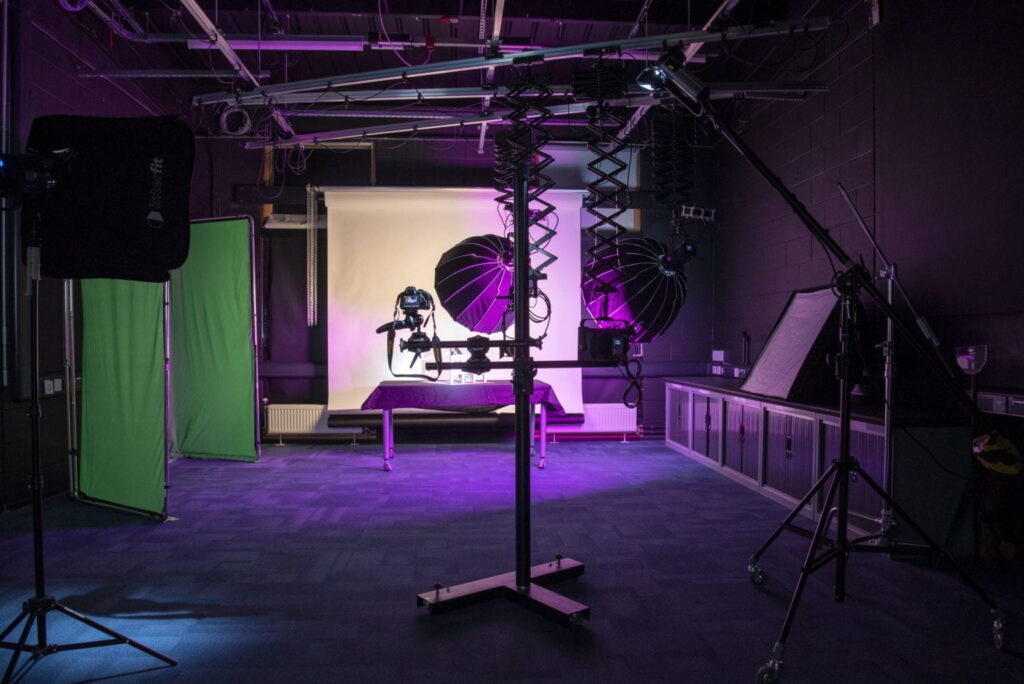
Support Technicians

I teach photography and teach and support graphic design principles as well as the key software applications associated with these disciplines.

My expertise is focused towards Product / Industrial Design including supporting the Adobe Creative Suite, SolidWorks, Rhino, Keyshot, etc. I can also support the preparation of files for 3D printing in R Block – Frenchay Campus.
Student Resources

